



Description
Product Overview
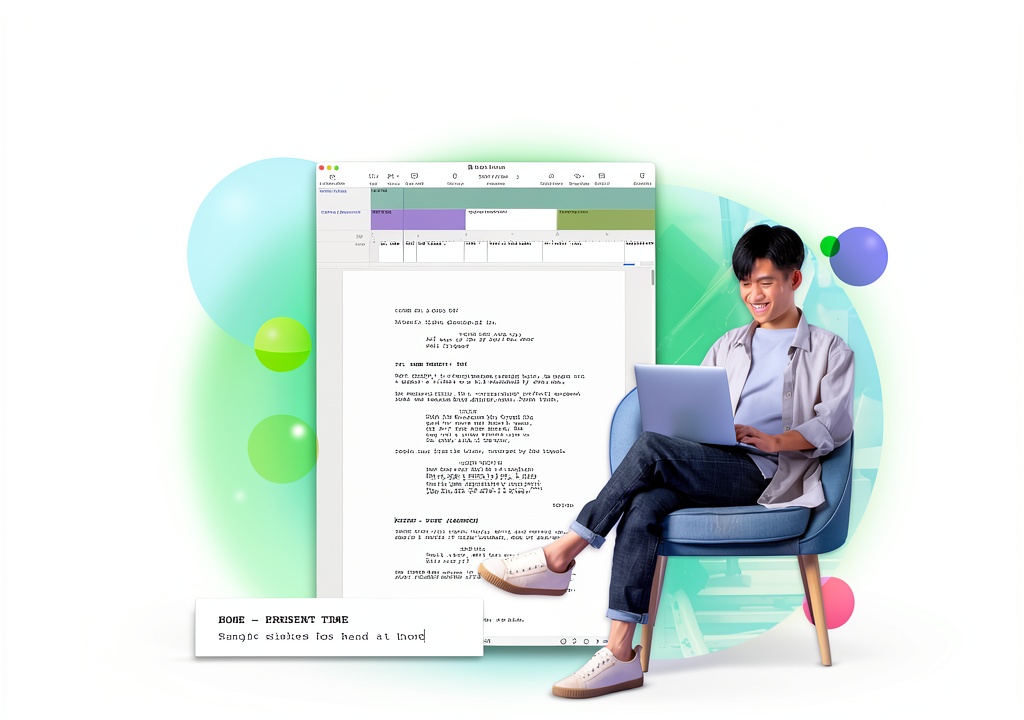
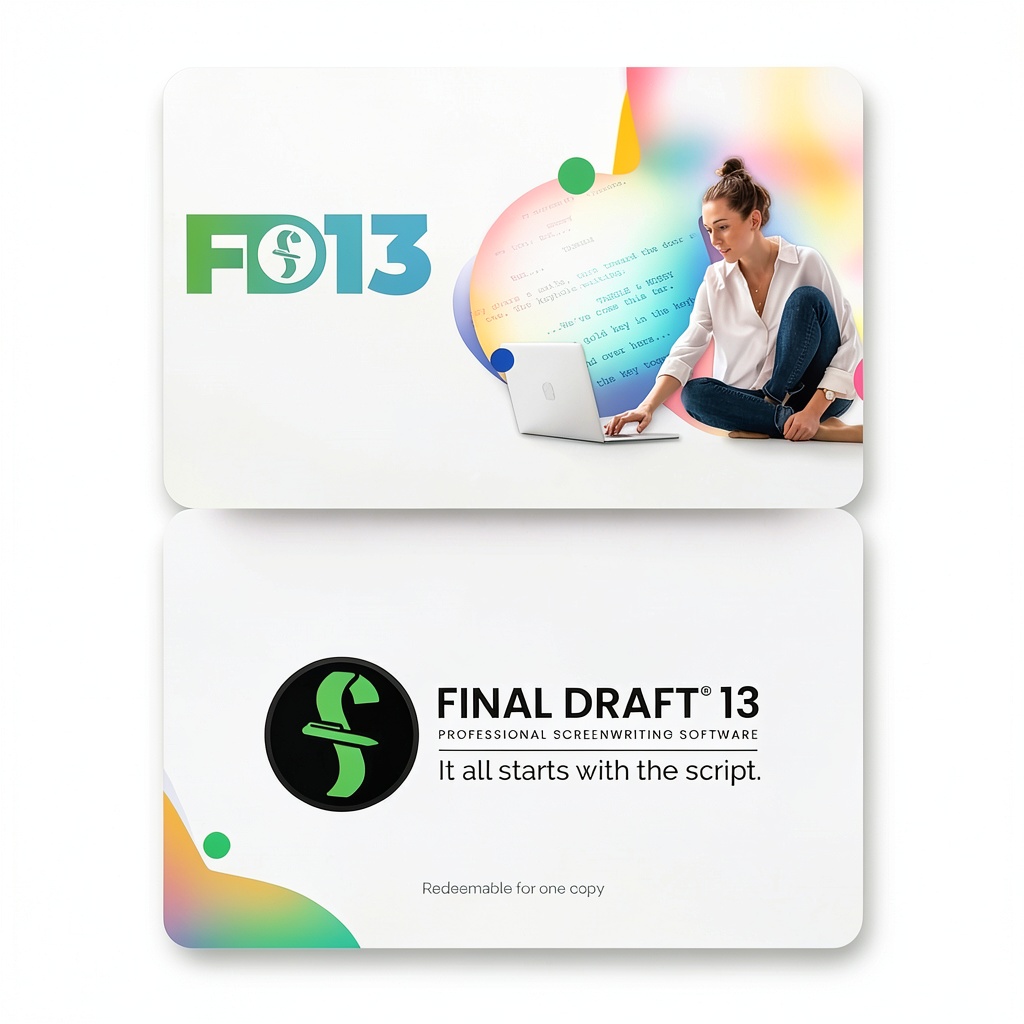
Final Draft 13 is the industry‑standard screenwriting solution designed for professional writers, students and hobbyists. Built on a lightweight 0.25 × 4 × 5 in footprint and weighing just 0.63 oz, the software runs seamlessly on both Windows and macOS platforms. Core features include real‑time goal‑setting dashboards, a distraction‑free Typewriter View that auto‑scrolls with your line, and Navigator 2.0 for comprehensive script management. The program automatically applies proper industry formatting, supports a wide range of templates, and integrates voice‑over read‑backs for character dialogue.
Usage
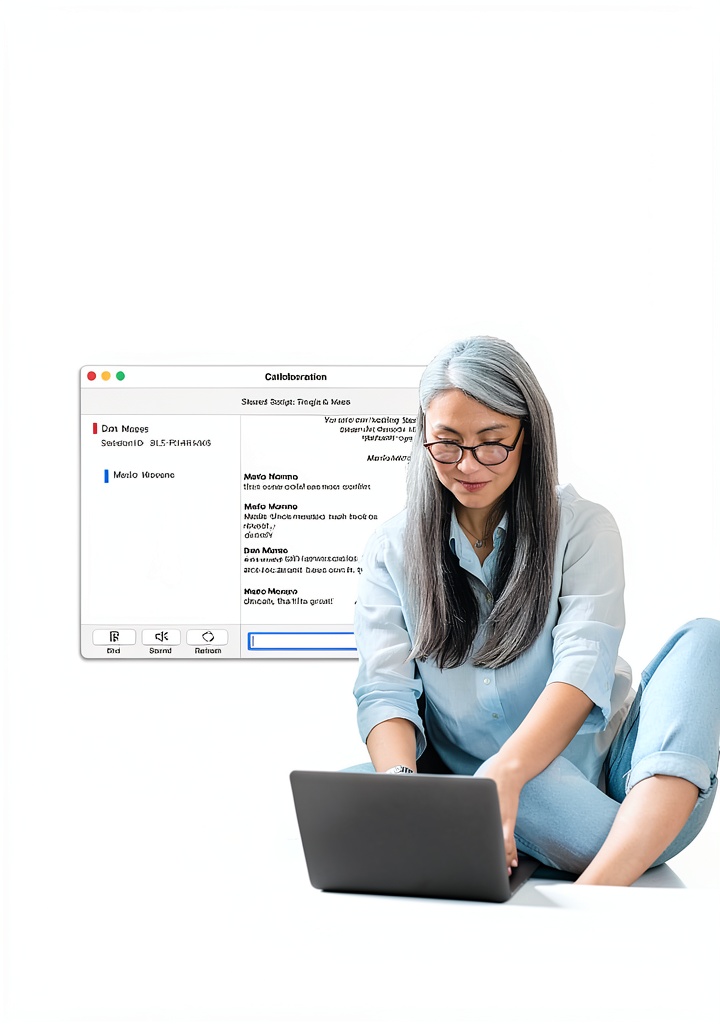
Final Draft 13 fits into any writing workflow—from solitary drafting sessions at a coffee shop to collaborative writers’ rooms in film studios. Set daily word counts, weekly scene targets, or long‑term project milestones and watch progress update instantly. The Typewriter View keeps your focus centered, ideal for marathon writing days or quick idea capture on the go. Compatible with Windows 10/11 and macOS Ventura, the software syncs across devices, allowing you to continue a script on a laptop at home and pick up on a desktop at the office.
Why Choose Us
Final Draft has been the benchmark for screenwriting since the 1990s, and version 13 builds on that legacy with modern productivity tools. The built‑in goal tracker eliminates the need for external spreadsheets, while Navigator 2.0 offers a visual map of characters, scenes and inclusivity statistics—features rarely found in competing software. Our formatting engine guarantees compliance with major studios and festivals, reducing manual corrections. Continuous updates and dedicated support ensure the software stays current with industry standards.
Key Features
- Real‑time goal‑setting dashboard for daily, weekly and project milestones.
- Distraction‑free Typewriter View that auto‑scrolls and keeps the active line centered.
- Navigator 2.0 with character tracking, scene outlining and inclusivity metrics.
- Automatic industry‑standard formatting across 30+ template options.
- Cross‑platform compatibility for Windows and macOS with seamless cloud sync.
FAQ
Can I use Final Draft 13 on both Windows and macOS with the same license?
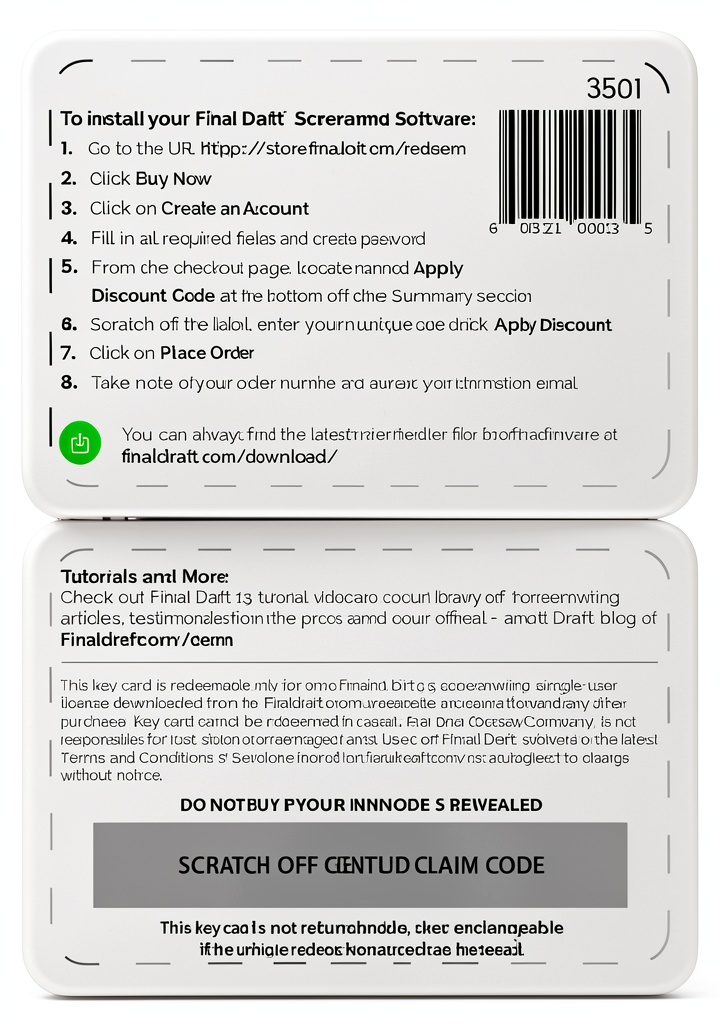
Yes, a single license permits installation on one Windows PC and one macOS device, allowing you to switch between platforms without additional cost.
How does the goal‑setting feature work?
Set custom word or scene targets for any time frame. The dashboard displays progress bars and alerts you when you’re on track or need to adjust your pace.
Is there a trial version available?
A 30‑day free trial provides full access to all features, so you can evaluate the software before purchasing.
Does Final Draft 13 support script read‑aloud for character voices?
Yes, the built‑in read‑back engine can assign distinct voices to each character, helping you hear dialogue flow naturally.
What file formats can I import and export?
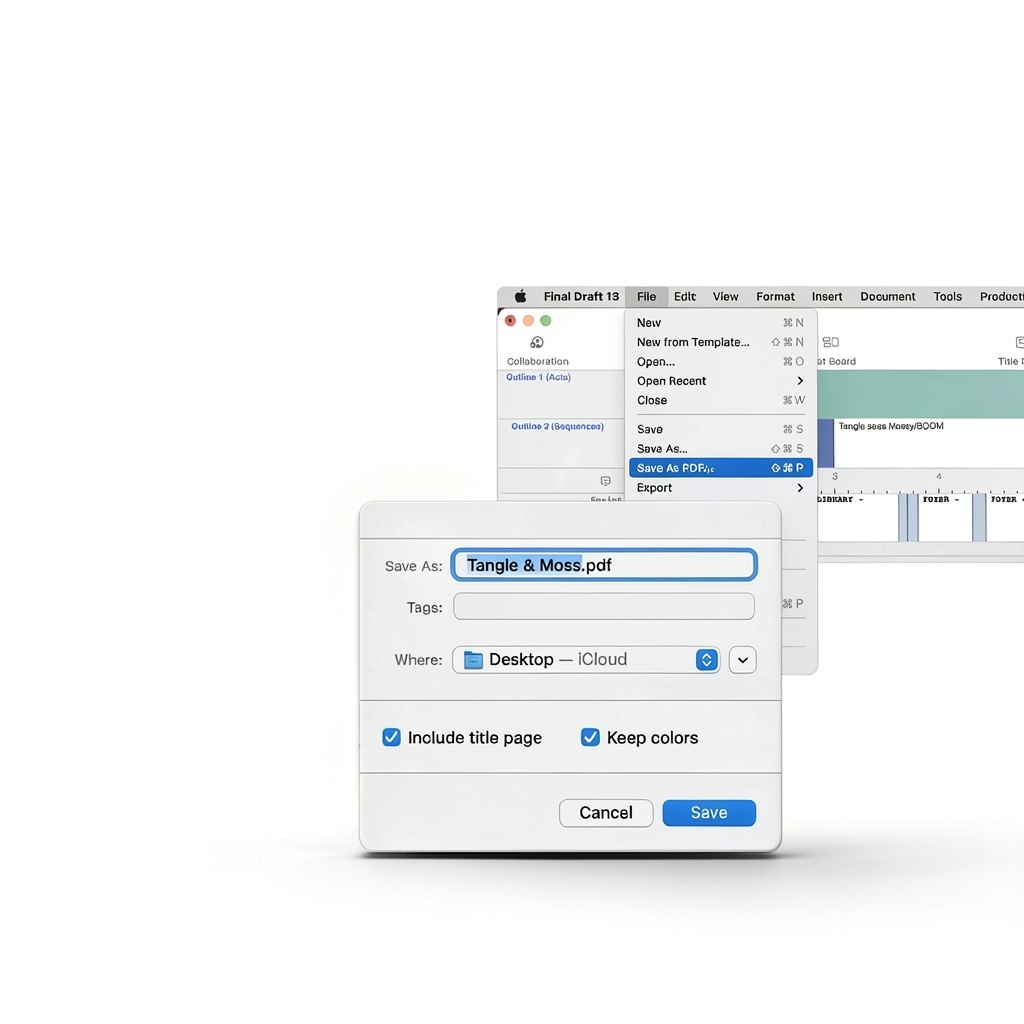
Import from Final Draft 12, PDF, Word, and plain text. Export to Final Draft, PDF, Word, and industry‑standard formats like FDX and FDX‑XML.



 Arms Control Kindle Book Amazon Print Replica 310p
Reviews
There are no reviews yet.